
Make tutorial videos people want to watch.
Our tutorial video maker puts possibility in your hands. Create how-to videos from prompts or turn raw footage into fully edited videos. If you can explain it, you can make it.
Show what you know
Move faster
AI turns your instructions into complete tutorials in minutes. Generate a spokesperson to walk viewers through each process, then adjust pacing and tone with a few quick edits.
Add clarity with visuals
Add product shots, images, and b-roll that make every step easy to follow. With AI handling the timing, the visuals land where they should so your tutorial flows naturally.
Keep tutorials current
Update content as your product or process changes. Replace steps, visuals, or your presenter instantly so every how-to stays accurate and relevant.
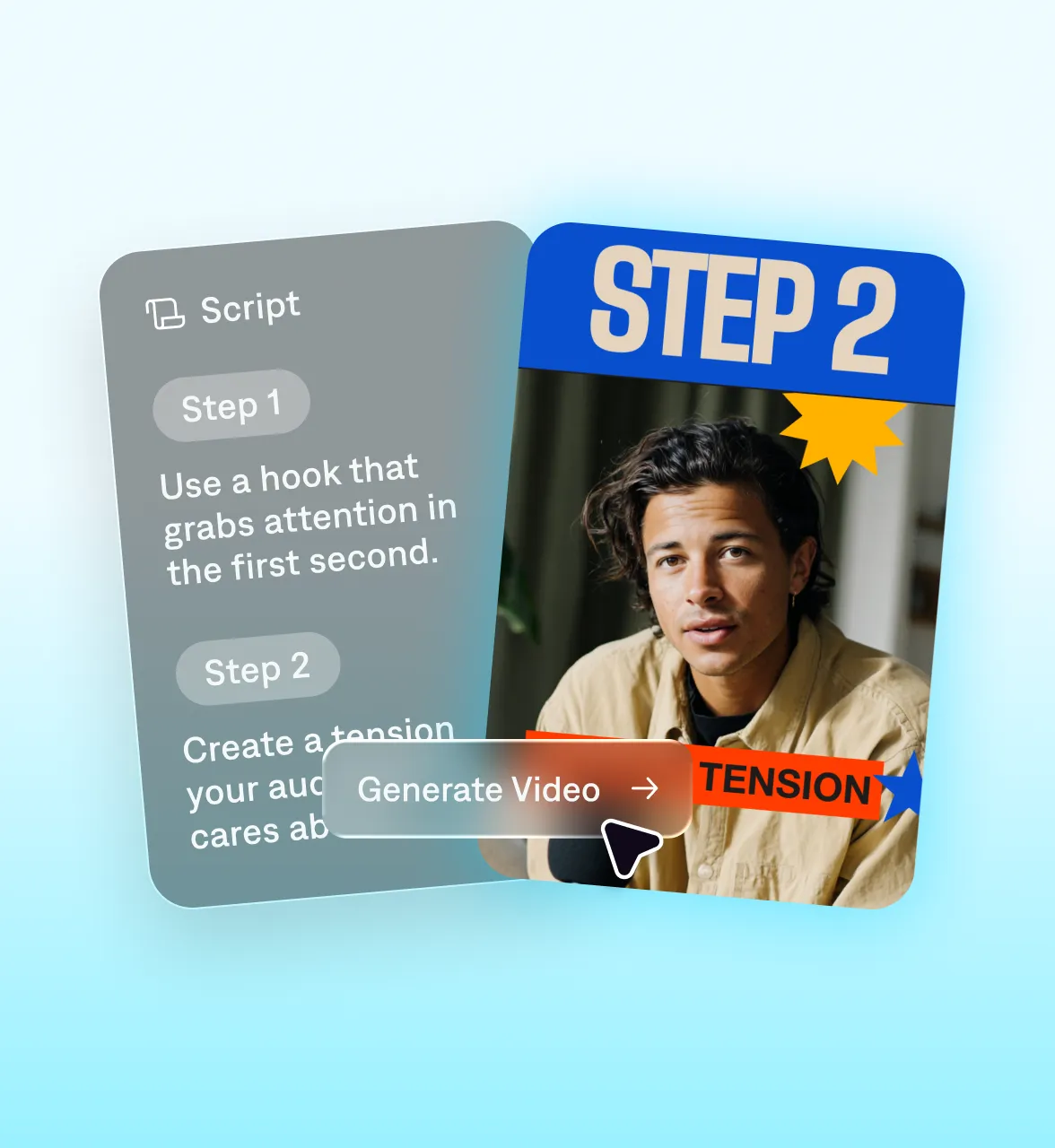
Move faster with Captions
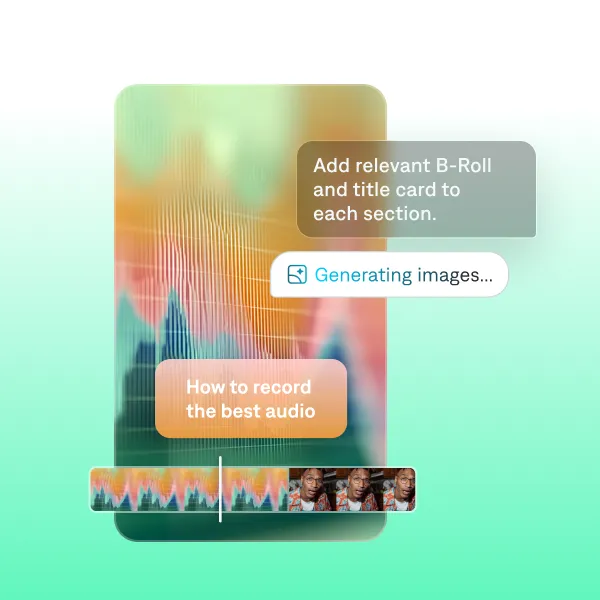
Professional outputs
Captions makes videos with both taste and speed. It builds entire videos for you in minutes, editing your specific footage to optimize performance. We even offer specific preset styles for tutorials and educational videos, like Blueprint.
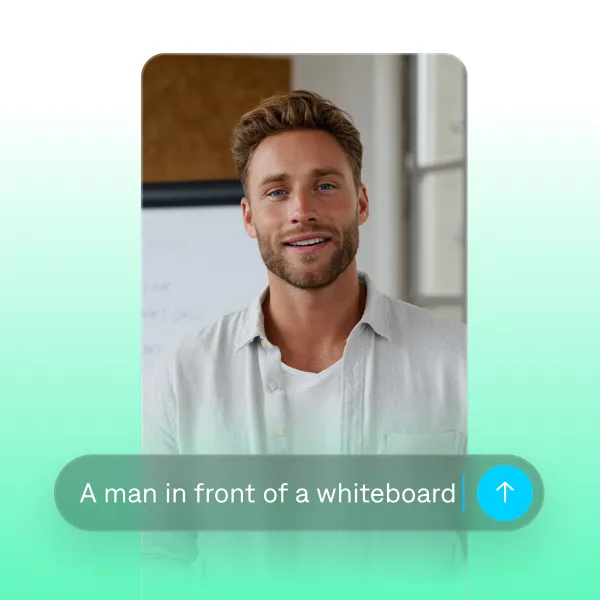
Flexible workflows
Turn instructions or ideas into full tutorials quickly. Captions helps you start from anywhere. Make new videos from prompts or polish existing footage. If you don't want to be on camera yourself, you can use an avatar or AI voiceover instead.
Get started today.

Frequently asked questions
What makes a how-to video successful?
A successful how-to video is simple, structured, and easy to follow. Each step should be clear and supported by visuals that show exactly what’s happening. Keep explanations concise, use steady pacing, and avoid unnecessary detours so viewers never have to pause or rewind. Adding a spokesperson or instructor can also make your tutorial feel more personal and easier to understand. If you don’t want to film yourself, you can generate talking head videos in Captions to walk through the steps for you and keep the content consistent.
How can AI help me make video tutorials?
AI can make the process of creating video tutorials much faster and easier. With tools like Captions, you can generate an on-screen instructor to walk through your steps, create supporting visuals, and edit with AI. You can also record yourself and let AI clean up your delivery, add captions, and polish the pacing automatically. Whether you want to be on camera or stay behind the scenes, AI helps you turn your instructions into a clear, professional tutorial without needing editing experience.
How do I make a tutorial video without experience?
You can use AI-powered tools to keep video creation simple and approachable, no prior experience needed. For example, with Captions, you can record yourself explaining the steps and let AI clean up your delivery, add captions, fix pacing, and polish the edit automatically. If you prefer to stay off camera, you can also generate a hyper realistic, customizable presenter who can walk through your instructions or even demo your product for you. Both tools help you turn your explanation into a clear, well structured how to video without any filming or editing skills required.
How can I create a how-to video?
Video generators like Captions make it simple to create new how-to videos. No matter your topic, you can use features like prompt-to-video and AI editing to speed up the entire video process. First, think about the topic you want to cover. You can either paste a script into Captions, or use the script generator to create new scripts from a prompt. Then, pick your AI actor and generate new footage. Finally, use AI editing to add just the right touches, from transitions to B-roll.