
Translate videos in minutes with AI
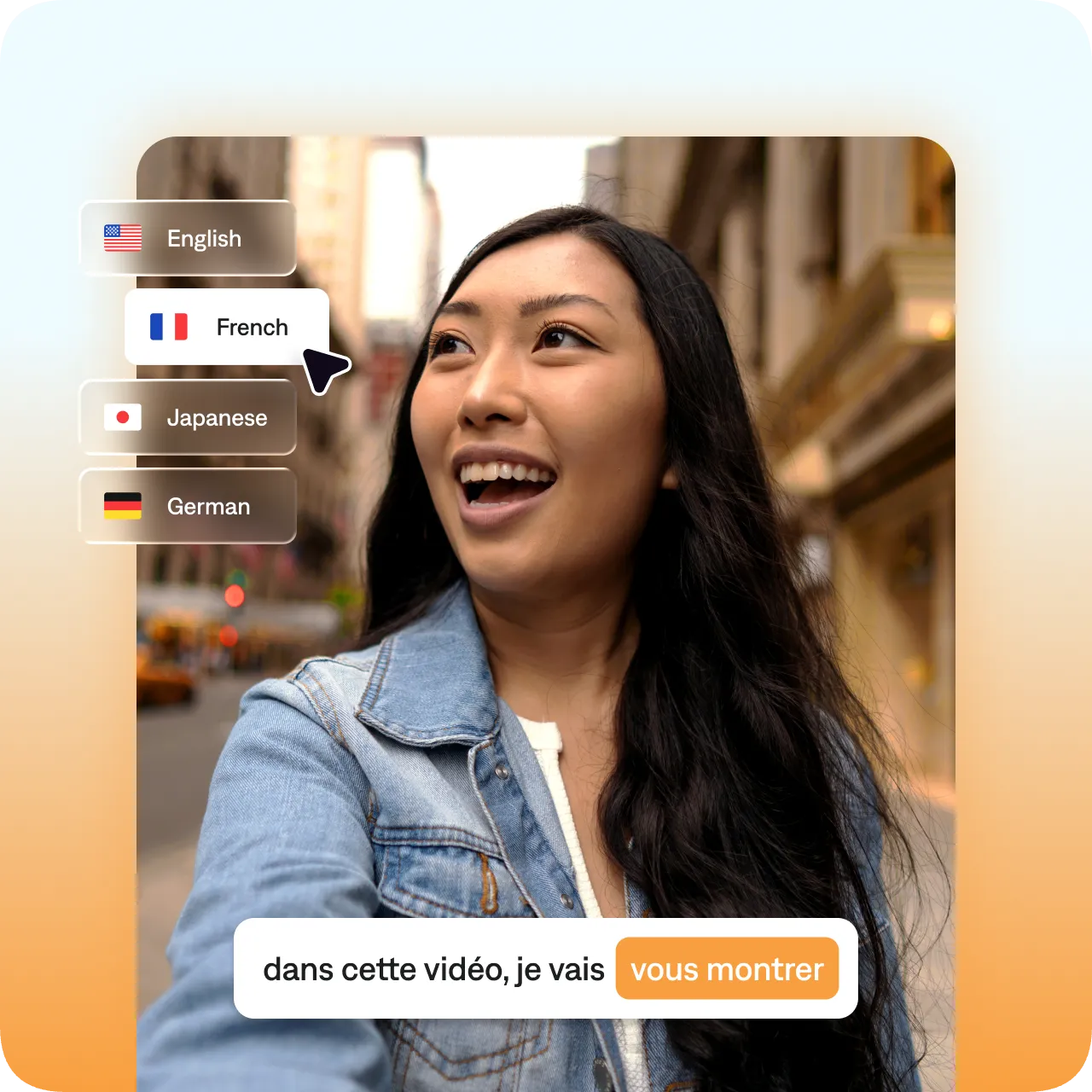
Captions can automatically translate your videos into more than 100 languages. Pick a new language and our video translator adds accurate, translated subtitles. Publish faster and reach more audiences around the world.
Simple workflows, sophisticated results.
Reuse more assets
No more reshoots or translation delays. With AI translation, you're ready for the world stage.
Subtitle or dub
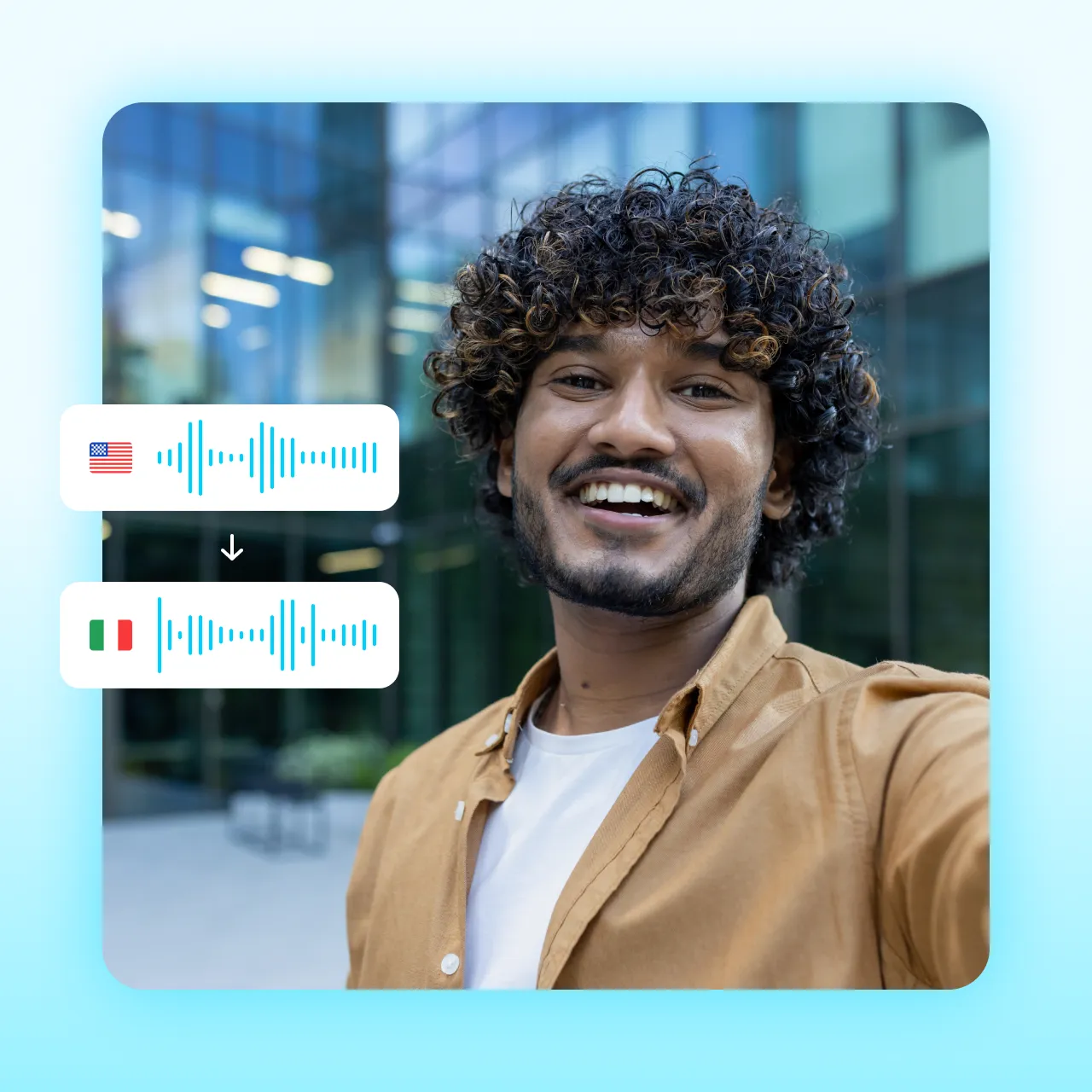
Add translated subtitles or dub the video's audio into a new language. Captions uses AI to sync the speaker's movements with the new audio track.
Edit in the same place
You'll have access to other Captions features like stylized captions, AI editing and more.
How to translate a video with Captions
Upload your video
Import the video you want to translate, or record something new in the Captions app.
Select your language
Choose your target language and whether you want subtitles only, or also want to dub.
Share your video
Export to save for later or post directly to top platforms.
Try it now
By uploading a video to be edited using AI, you are agreeing to our Terms and have read our Privacy Policy.
Same source, multiple videos
Translate to English, from English, or any other pairing you need. Top languages include English, Arabic, French, German, Hebrew, Hindi, Italian, Japanese, Persian (Farsi), Portuguese, Russian, Spanish, and Ukrainian.
English
Japanese
Portuguese
Why do you need translated videos?
Expand your audience
You make great content: Now make it go further. Translating allows you to reach more people
even if you don't speak other languages yourself.
Enter new markets
Bring your products to new places. Now it's simpler to promote and sell all around the world, even if you don't have teams on the ground.
Show you care
People appreciate the effort that goes into translated or dubbed content. It shows empathy and care for different kinds of people.

Frequently asked questions
How accurate is AI video translation?
AI video translation keeps your message intact. Captions delivers highly accurate video translations across its language set, so you can feel confident using its translations. While some slang or cultural references might benefit from light editing, most videos are ready to share right out of the editor.
How many languages does Captions support for video translation?
Captions supports translation into 100+ languages. You can choose any source and destination language that you need, whether you're translating to English, from English or using a different pair.
How do I translate videos into multiple languages at once?
Our AI video translator supports over 100 languages, and you can translate the same video into as many versions as you need. You'll just need to create a fresh project and choose the new language to export an updated version.
What's the difference between subtitles, voiceovers, and dubbing?
Subtitles add translated text on screen while your original audio plays. Voiceovers replace or layer translated audio over the video, but you can still faintly hear the original. Dubbing fully replaces the original audio with a translated track. Lipdub is dubbing with one extra step: AI also adjusts your lip movements to match, so the video looks natural.
How do I add translated subtitles to a video on iPhone?
Open the Captions app, import your video, and select the translation feature. Choose your
target language and subtitle style. Captions generates and syncs the translated captions
automatically.
How do I translate videos online?
You'll want an easy tool that flexes to different language pairs. AI video translators are great for most use cases because they remove common barriers and reduce your dependency on vendors. For example, Captions can add translated subtitles to your existing videos in minutes. You just upload a video to the web editor, pick the language you want, and it automatically translates for you.