
Make product demo videos that convert and retain.
Our product demo video maker is easy to use and quick to learn. Turn existing footage into fully edited demos or start from scratch with photos and prompts. Whether you're selling physical products or software, Captions has the right tools to make the demos you need.
Turn existing assets into polished videos
Show, don’t tell
Static images and feature lists can only go so far. Captions can add B-roll, voiceovers and other details that make your product really come to life. Use sight, sound and motion together to land a richer story.
Flex to different goals
Demos are helpful at every stage of the customer lifecycle. Whether you’re launching a new product or showing people how to use something they purchased, demos solve information gaps.
Drive faster decision-making
With more compelling content, you can shorten the purchase cycle. Get people excited about what you’re offering and inspire faster action.
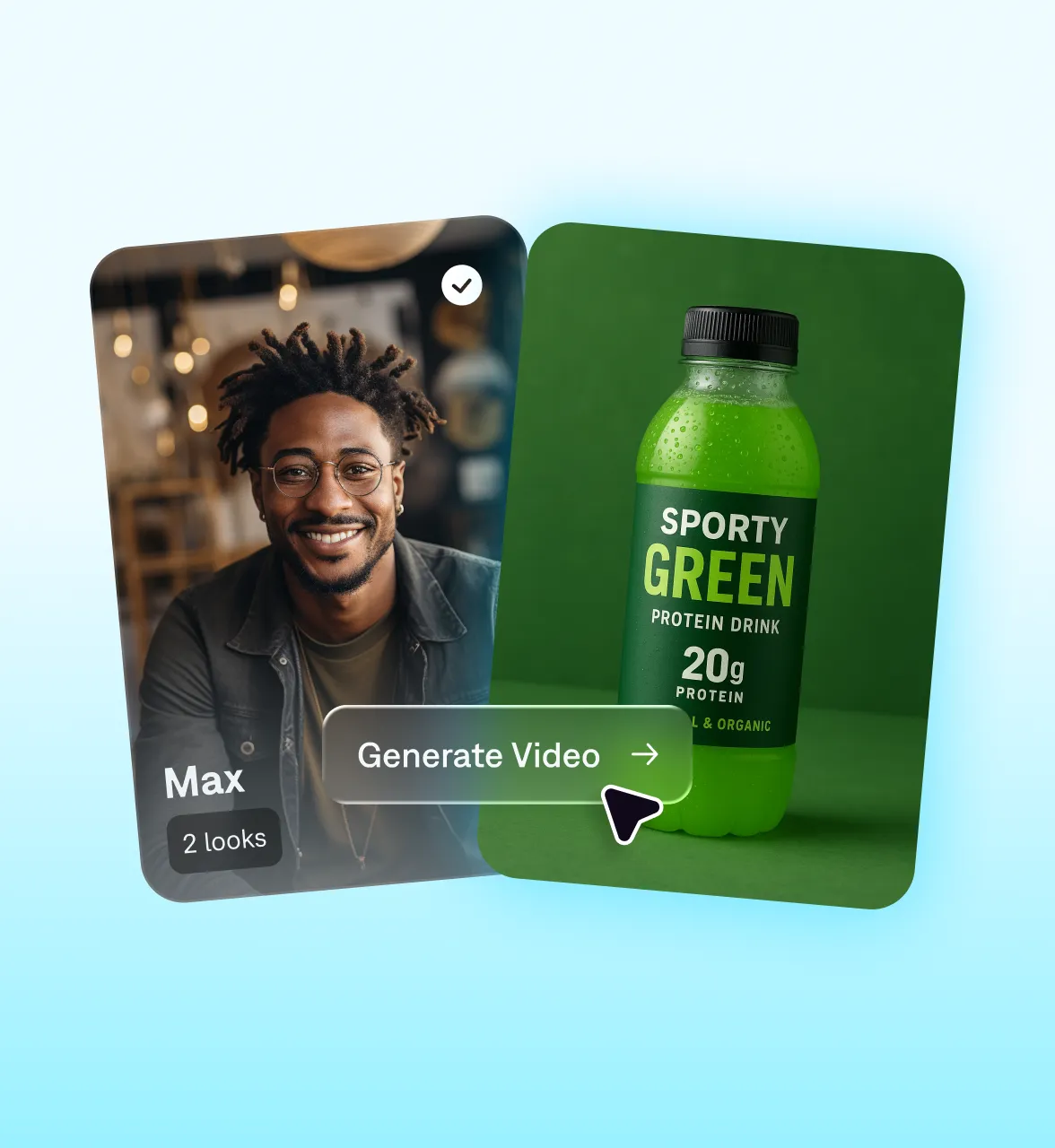
Features you'll love:
Fix footage fast
Correct common quality issues with one tap. Eye contact correction makes any talking head video better. Background noise removal makes footage sound clean, no matter where you recorded it.
Get help with your script
Captions can help finish scripts and voiceovers. Paste your existing script to start, or generate something new from a prompt. Our AI helps add the right structure to make an effective demo.
Apply easy edits
Add important details like captions, annotations, and logos with preset styles or simple prompts. It's easy to update when products or pricing change, too.
Try it now
By uploading a video to be edited using AI, you are agreeing to our Terms and have read our Privacy Policy.
How to make a product demo video in Captions
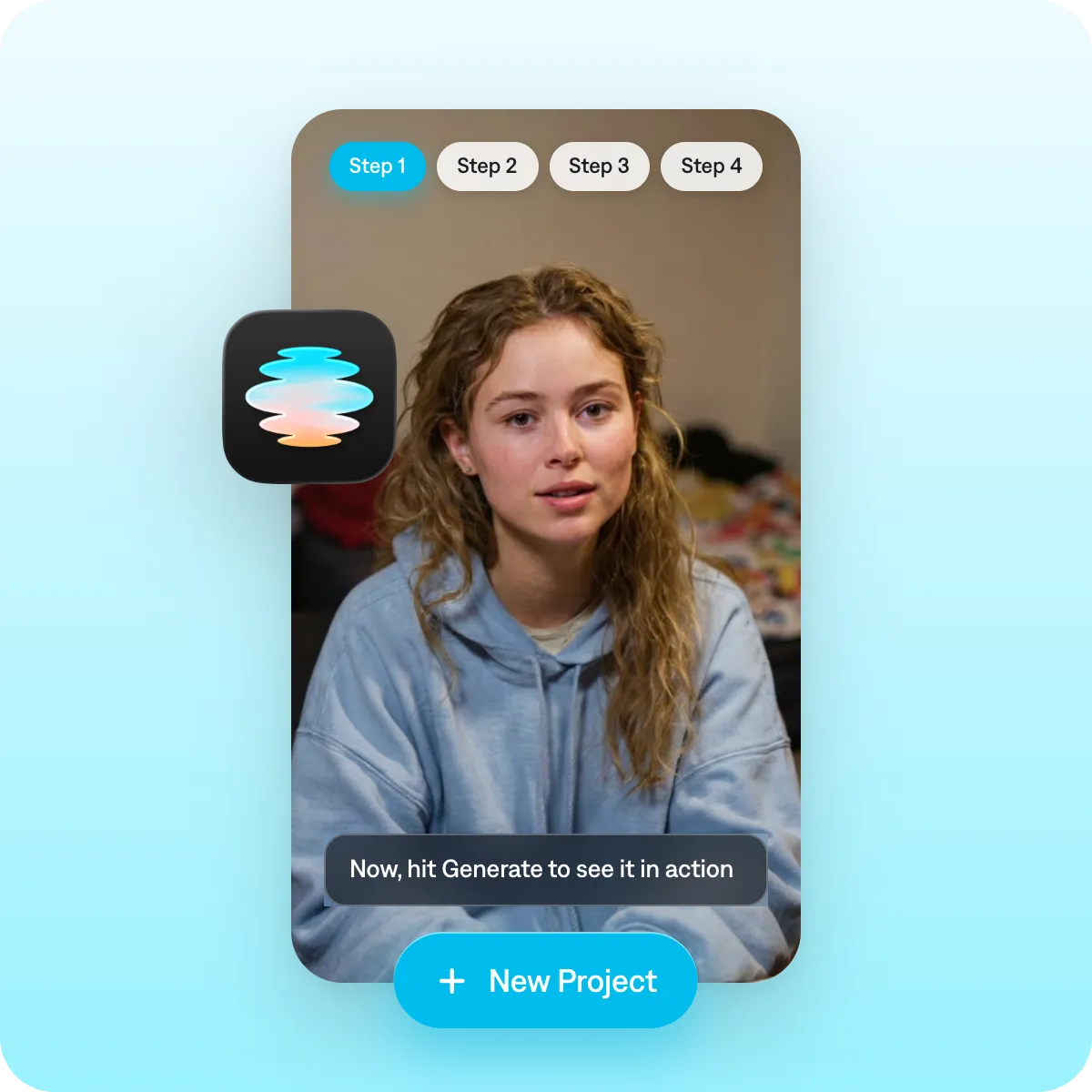
Collect existing assets
Upload anything you have that might be helpful. You can add existing footage, voiceovers or even static images. Captions will help combine your existing media into a compelling product demo video.
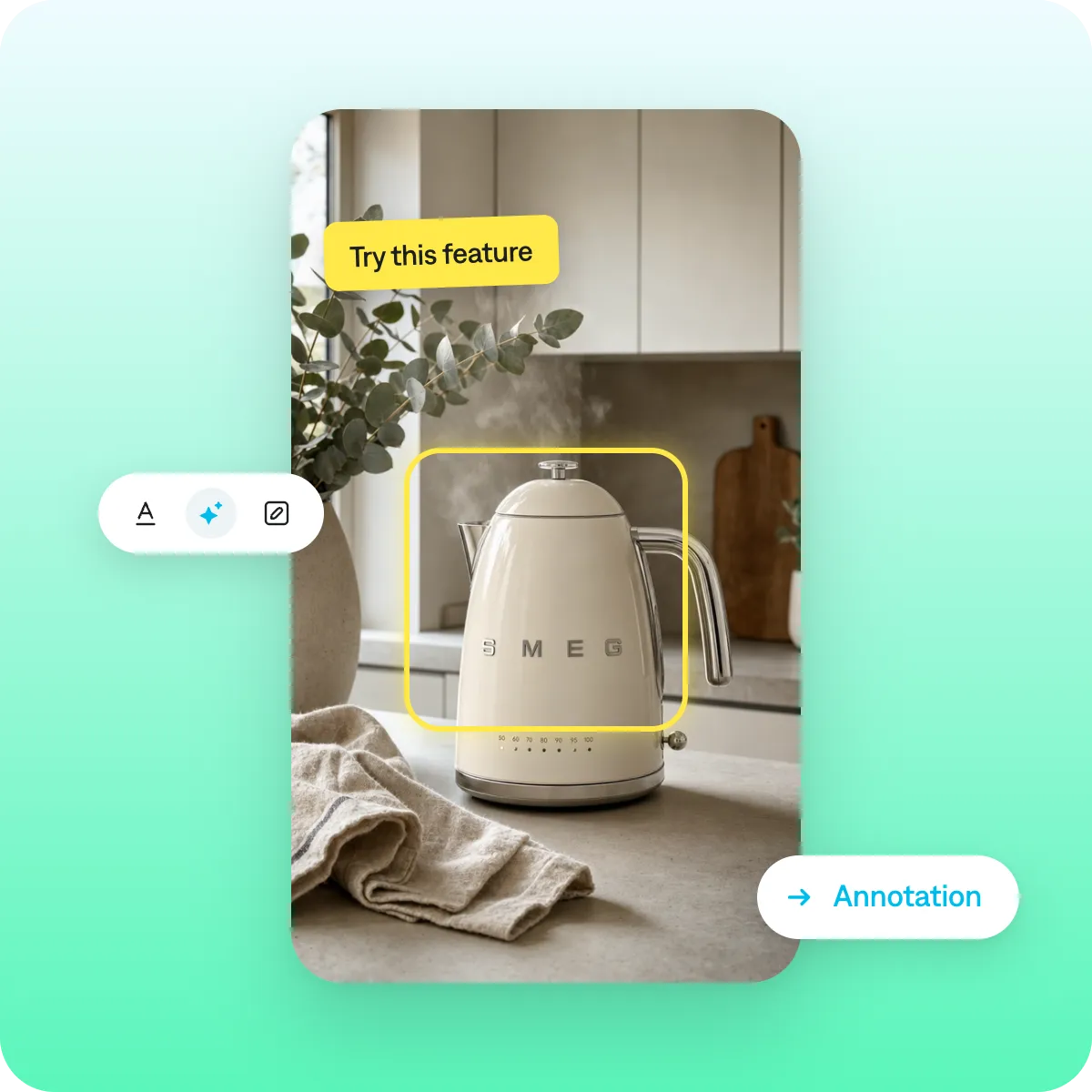
Highlight key moments
Add on-screen text, arrows, or callouts to draw attention to important product features. If you want Captions to do this for you, pick an AI Edit style geared toward demos, like the "Clarity" style.
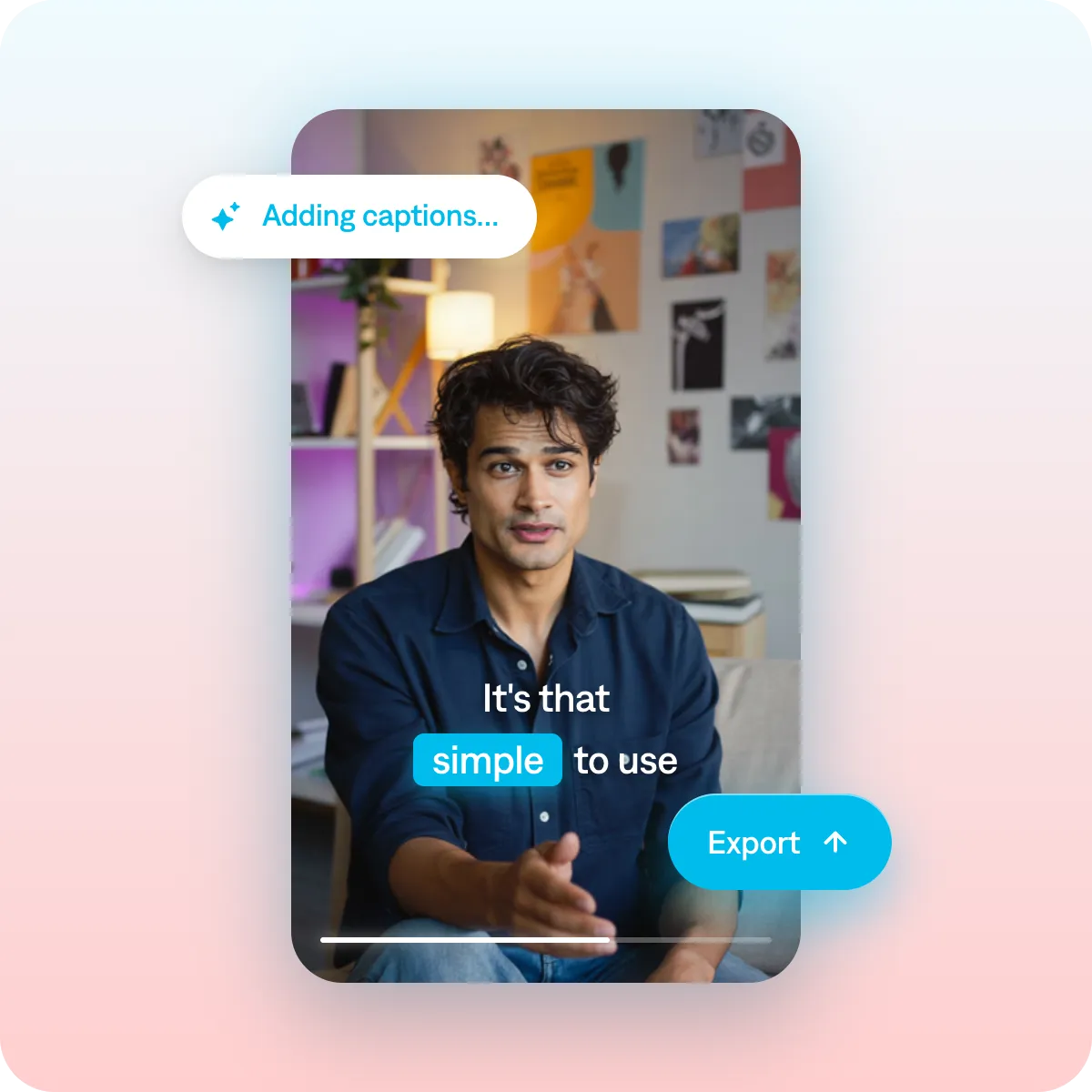
Export and share
Captions automatically sizes videos for common aspect ratios. Pick the platforms you want to post on, and your video will export in the right specs.
Best practices for product demo videos
Show outcomes
Don't just talk about every feature you offer. Take viewers on a journey, showing why your features add impact. Every step should answer "why does this matter to me?"
Keep it updated
An outdated demo can erode buyer confidence. Try to update key demos quarterly to make sure you're showing the latest.
Use chapters for longer videos
For YouTube and website demos over 3 minutes, add chapter markers for each topic. This helps viewers find what matters most to them and aids engagement.
Get started now
Explore popular editing styles:
Frequently asked questions
What are demo videos?
Demo videos show how a product functions in real-world scenarios. They’re widely used across industries, from ecommerce to beauty content. Unlike static images, videos help people get a better sense of what they’re actually buying and how it would fit into their life or business workflow.
Can I add captions to a product demo video automatically?
Yes, and it's easier than ever with products like Captions. Captions adds auto-captions that are accurate and timed to your voiceover. You can also translate audio into new languages with subtitles.
What makes a good product demo video?
A strong product demo is clear, focused, and easy to follow. The best demos show how your product works in real situations rather than listing features on their own. It also helps to create different versions for different audiences so each viewer sees what matters most to them. Tools like Captions make this simple by letting you adjust presenters, visuals, and messaging quickly, so every demo feels relevant and purposeful.
How can I create a demo video using Captions?
Use Captions to quickly turn a prompt into a fully edited, social-ready asset. Or, generate realistic AI actors who can hold, use, or talk about your product. Once your demo is finished, export and adapt it for anything you need, including websites, sales decks, and email campaigns.
What's the best way to record a software demo video?
Combine screen recording with on-camera narration for the most engaging format. First, record a walkthrough with a screen recorder. Then, capture talking head footage that shows a spokesperson explaining features and benefits. Use an editor like Captions to merge the two clips so you can switch between the product view and the more personal feel of someone talking to the audience.
How long should a product demo video be?
Match length to context. For social or top-of-funnel ads, 30–60 seconds focused on one key benefit works best. For a website or landing page, 1–2 minutes covering the core value and a few highlights is typical. For a sales or onboarding demo where the viewer has already opted in, 3–5 minutes (or longer) is acceptable because they want the detail. The universal rule is to front-load the most compelling part and cut anything that doesn't help the viewer understand the value — a focused two-minute demo beats a meandering five-minute one. When unsure, make the shortest version that fully communicates the core benefit.
How do I make a compelling SaaS demo video without a production team?
A screen recording plus a clear script gets you most of the way for SaaS. Script it around a realistic use case — show the product solving an actual problem a customer has, not a feature-by-feature tour. Record your screen cleanly (close clutter, zoom in on key actions), narrate in plain language, and keep the focus on outcomes. Add captions and simple callouts or zooms to direct attention to what matters. Optionally intercut a short talking-head intro for connection. Tighten the edit to remove dead air and rambling. The clarity of the use case and the script matters far more than production polish for a demo that actually lands.
What is the most effective way to structure a product demo video?
The key principle is to organize demos around the customer's problem and promised results, not around a feature menu or list of benefits. Viewers care most about what your product will do for them. A reliable structure is to hook people in with the problem or pain point they'll recognize. Then, promise a specific outcome and show the product delivering that outcome. Finish the video with a clear next step so viewers know how to find your products or sign up for services.