
Correct eye contact with AI
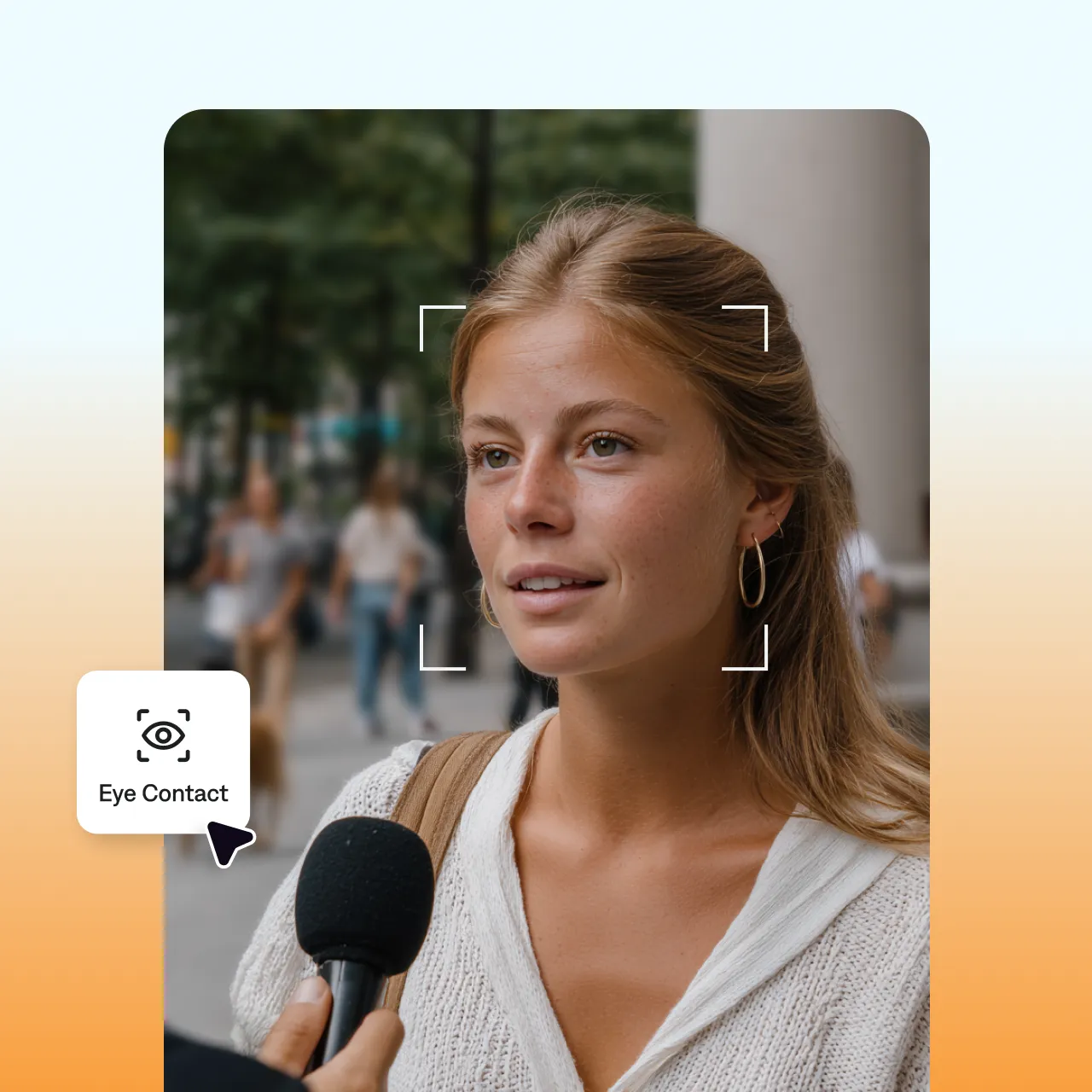
Captions' eye contact feature fixes your gaze after you record. Stop worrying about getting the perfect take and just edit it later. AI automatically adjusts your eye contact so you're always looking at the camera and giving your audience your full attention.
How does AI eye contact work?
AI analyzes talking head videos to find unintentional breaks in eye contact. Then, it automatically updates the footage to fix any inconsistencies.
Captions' AI eye contact feature is trained to detect common issues like looking at a script, glancing off to the side, and nervous blinks. It preserves your expressions and behaviors, so you'll always look natural.
Why you'll love it:
Film faster
No more reshoots to get the right take. Glance at your notes, lose the camera, restart your thought. You can fix it all later.
Edit any footage
No matter how you shot the footage, Captions can make it better. Just upload your clip and you can correct the gaze in seconds.
Always look natural
Captions makes videos look polished, but never robotic. It preserves intentional pauses and glances so your delivery feels organic.
Try it now
By uploading a video to be edited using AI, you are agreeing to our Terms and have read our Privacy Policy.
How to fix eye contact in Captions
Pick your clip
Upload existing footage or record something new in our app.
Apply eye contact correction
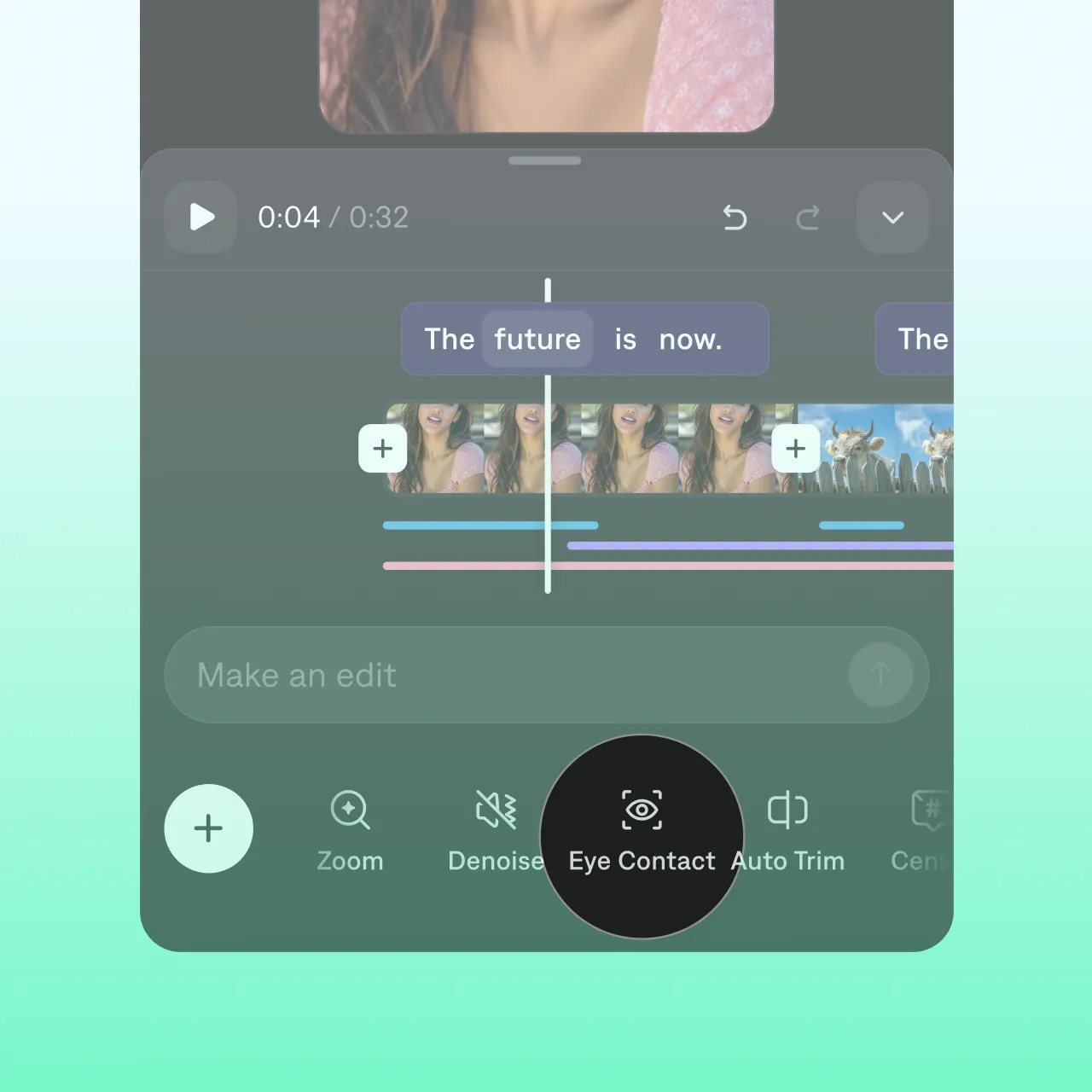
In the Captions app, you'll see a dedicated "Eye Contact" tool in the editing panel. If you're using Captions on web, prompt the text editor to correct eye contact for you.
Finish and export
You can make other adjustments at the same time, like adding captions or removing background noise. When you're done, export in your preferred video specs.

Frequently asked questions
How does AI eye contact correction work?
It detects the moments your eyes drift off-camera and re-aligns your gaze to the lens, while keeping your natural blinks and expressions. You record normally; the AI fixes it after.
Does AI eye contact make videos look fake?
AI eye contact should not make your videos look fake or robotic. Good tools adjust your gaze so it's more consistent, but still organic. No glassy stare or frozen facial expressions.
Who should use eye contact correction for videos?
Eye contact correction is especially helpful for talking head video creators because good eye contact helps build trust. You might want to try it if you struggle to maintain eye contact, look at your notes or script while recording, or often record in distracting settings.
How do I look at the camera while reading a script?
Read from the Captions teleprompter near the lens, then let eye contact correction fix any glances after.
How can I improve my natural eye contact in videos?
Our AI eye correction tool can correct a lot of common issues we see in talking videos. If you want the best results, try to follow these tips for your original recording. First, make sure you're close enough to the camera that it can see your full eyes, whites and all. Then, if you need a script, position it slightly above or to the side of the camera. This helps you avoid looking down while you're recording. You can also improve results using Captions' in-app teleprompter to record, as it adjusts to your specific pacing and gaze.
What's the best eye contact corrector for videos?
You'll want a tool that's simple to use and delivers consistent results. Captions is designed to provide precise and instant adjustments to your gaze in videos. It quickly analyzes your footage and realigns your eyes to the camera, so it looks as if you're always making direct eye contact with your viewers.
Can Captions fix eye contact in any video?
Captions is specifically designed to fix talking head footage. It doesn't matter how or where you recorded it. Just upload your footage and let our AI editor handle the rest.