
Create AI-generated actors
Generate new onscreen talent, whenever you need it. Captions generates best-in-class AI avatars that scale to any use case. Use prompts to create new avatars, then customize as needed.
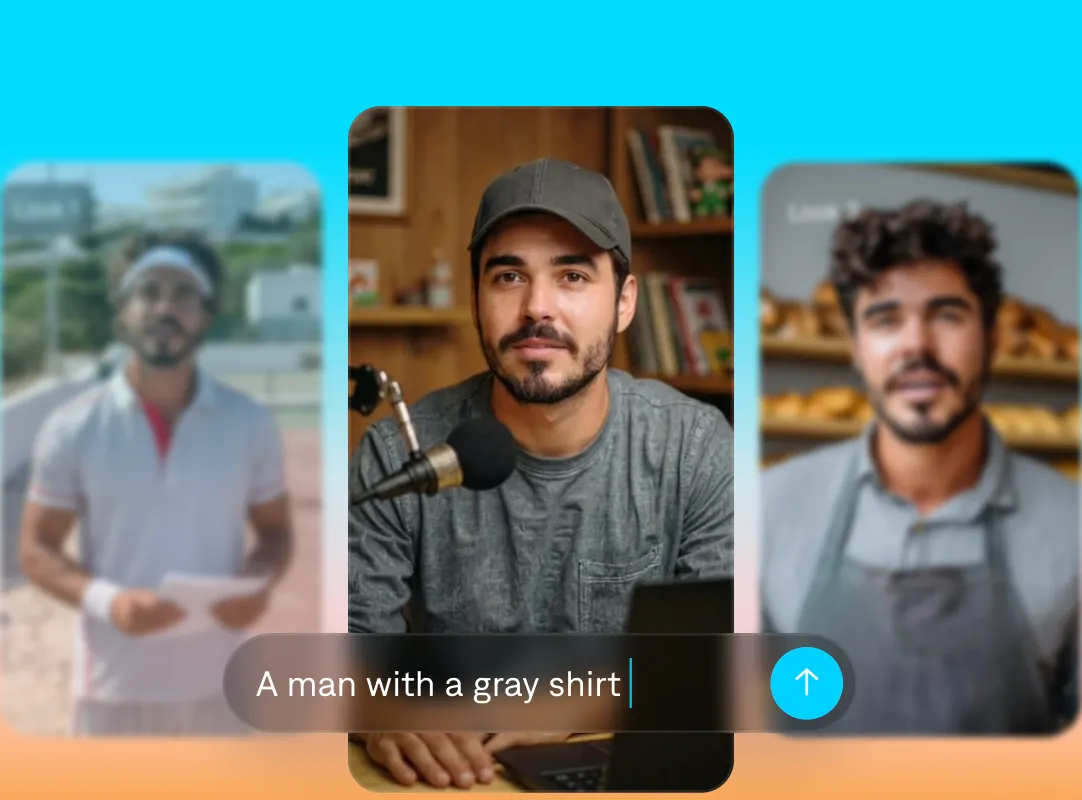
Quality performances, every time
Emotive delivery
With Captions, AI-generated actors deliver expressive, organic performances. Subtle expressions, small pauses, and natural delivery help your message feel genuine and relatable.
Streamlined production
You don’t need cameras, sets, or casting to bring your ideas to life. AI lets you create polished performances quickly, without the usual stop-and-go of production.
Maximum reach
Use the same AI actor across multiple languages to grow your reach faster. Captions can translate subtitles into 100+ languages and dub into more than 30 languages, so it just takes a few clicks to localize videos.
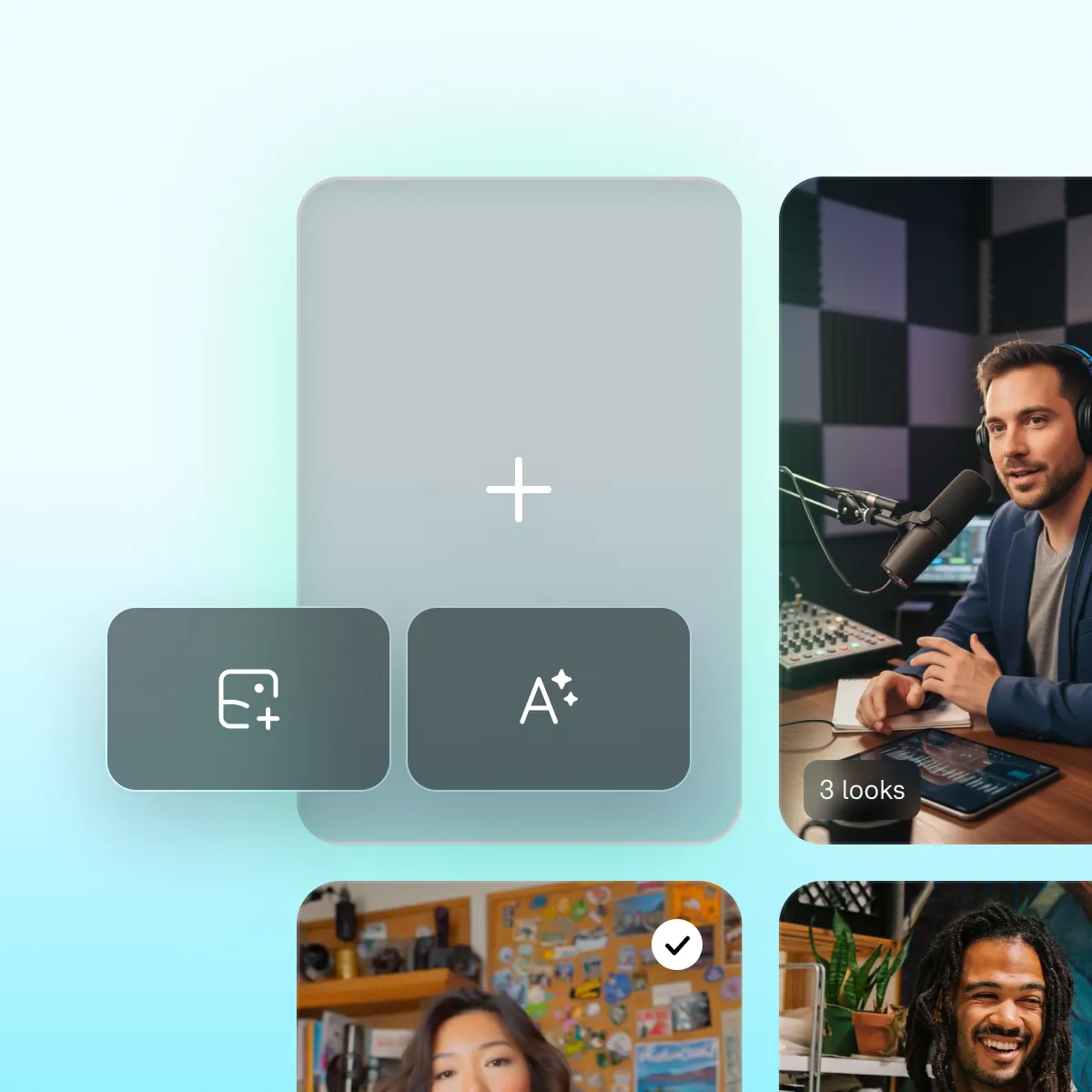
Details make the difference
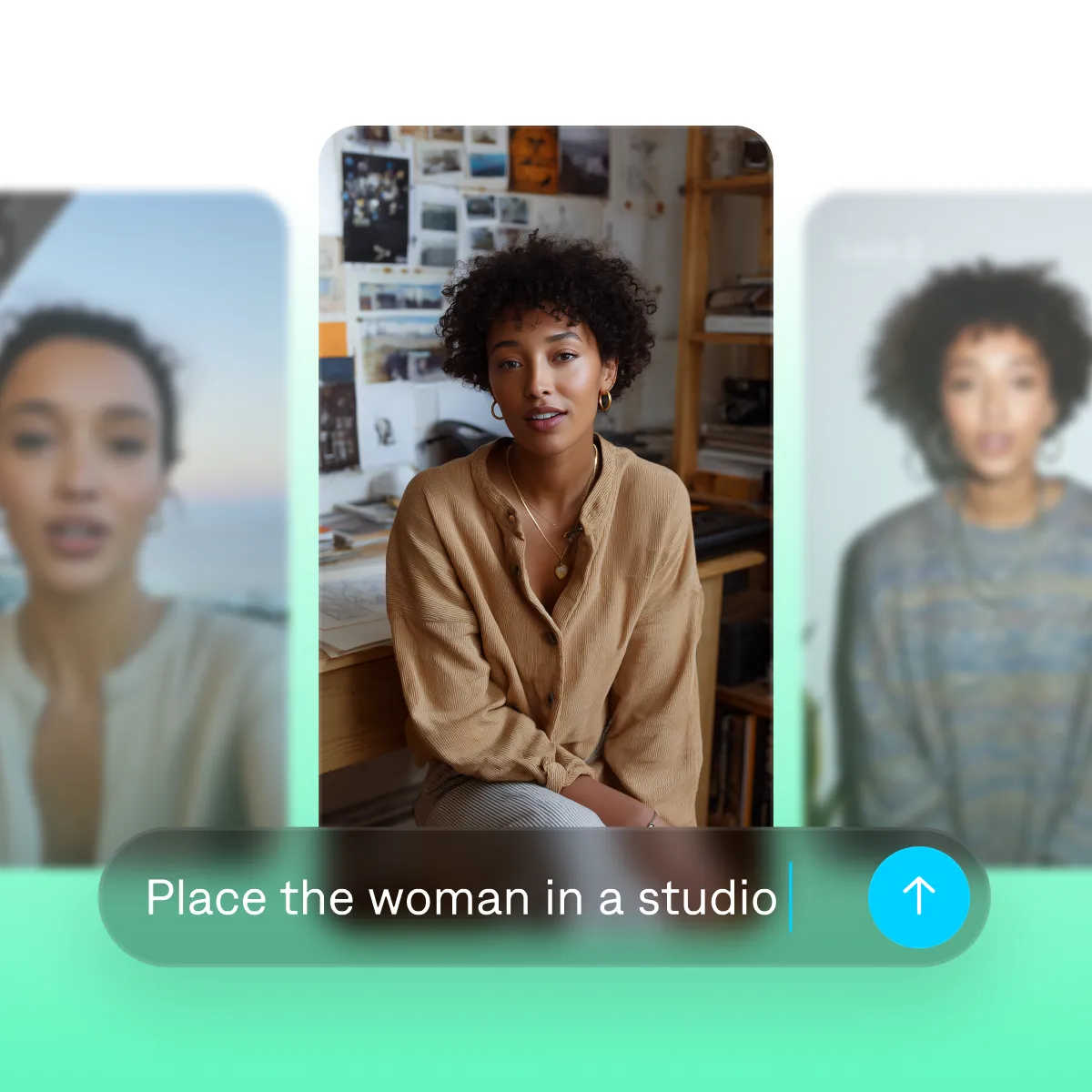
Customize every detail
AI actors are modifiable so they fit your brand guidelines or aesthetics. You can even create multiple spokespeople with different looks, mannerisms and more.
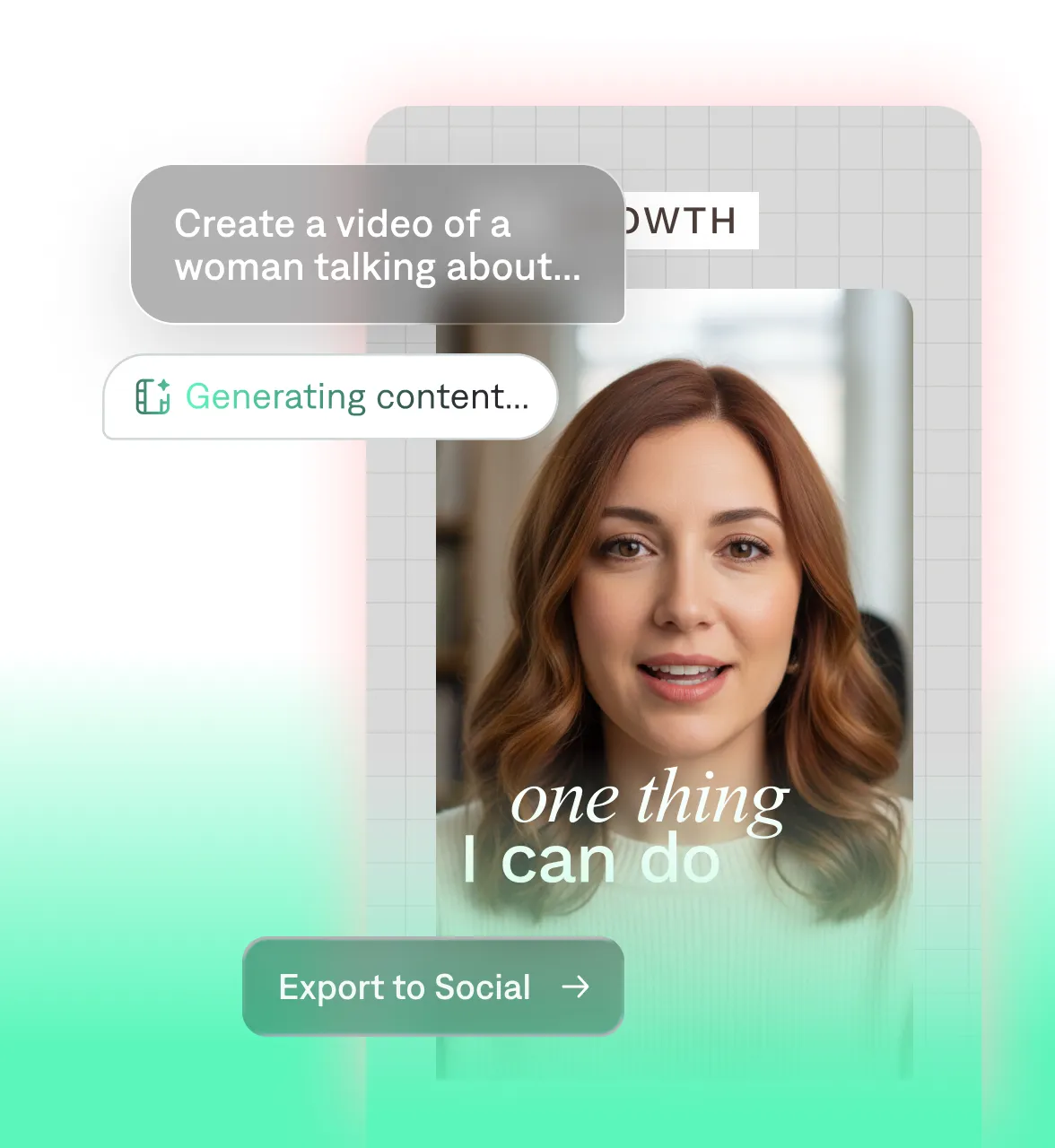
Iterate fast
Turn one idea into many cohesive pieces of content. Because it's so easy to edit in Captions, you can quickly test new concepts and tweak for better results.
Start your next video

Frequently asked questions
What’s an AI actor?
AI actors are computer-generated characters that look and sound like real people. They’re perfect for any video, from quick product demos to thought leadership content. Captions lets you design actors that match your brand image or style preferences.
How do AI actors work?
Captions makes the process straightforward. Use prompts to describe the type of actor you want to see. Then, use the app's conversational editor to refine details like outfits, backgrounds and more.
For best results, include details like the character’s appearance and mannerisms, whether you’re looking for an energetic influencer or a formal presenter. Captions understands nuanced requests so the more specific, the better. Describe the environment, lighting, and camera angles to generate a striking, highly-personalized clip, and bring your vision to life.
Can AI actors speak different languages?
Yes, AI actors can instantly swap languages, retaining natural speech patterns and smooth mouth movements. Maintain your brand’s consistency by adjusting the same ad for different audiences. With the time you save on hiring local talent, you can tweak your angle to match cultural norms and pain points, creating laser-focused content. Use automatic captioning for more than 100 languages, or automatically translate the original audio into more than 30 languages.
Do I need footage to create an AI actor?
No. Tools like Captions can create new actors entirely from text or images of existing talent. You can also choose a presenter from the AI library.
Can I customize the look and voice of AI actors?
Yes, you can control every detail of your AI actor. Make sure your original prompt describes important details like their appearance, setting and atmosphere. Then, use the chat-based editor to refine for any other details.