
Create an AI twin that really acts like you
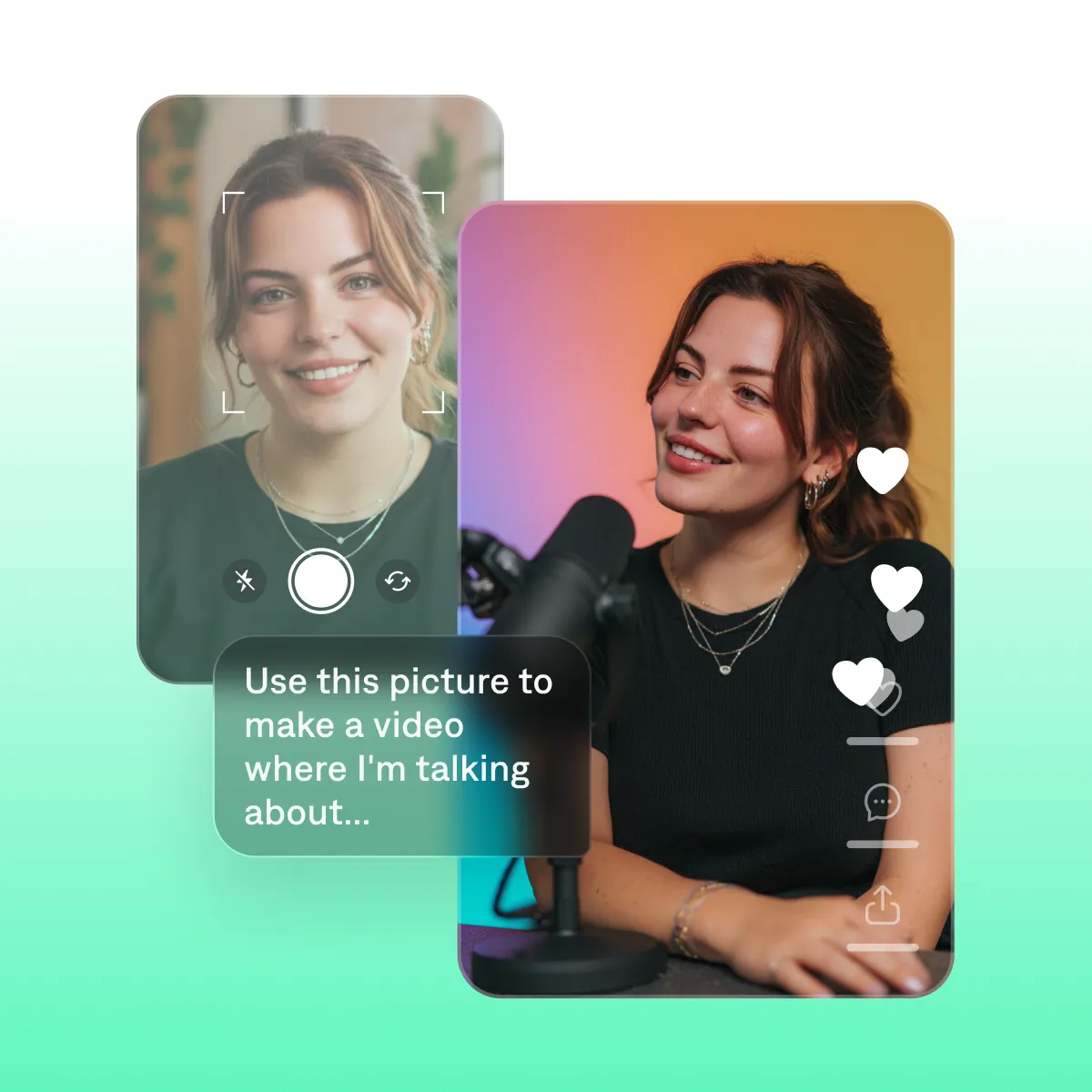
Make endless ideas without having to film every time. Your AI Twin delivers new scripts with your face, voice, and delivery—without setting up a camera every time. Create your twin from existing footage, or even a simple selfie.
What is an AI twin?
Your realistic AI counterpart
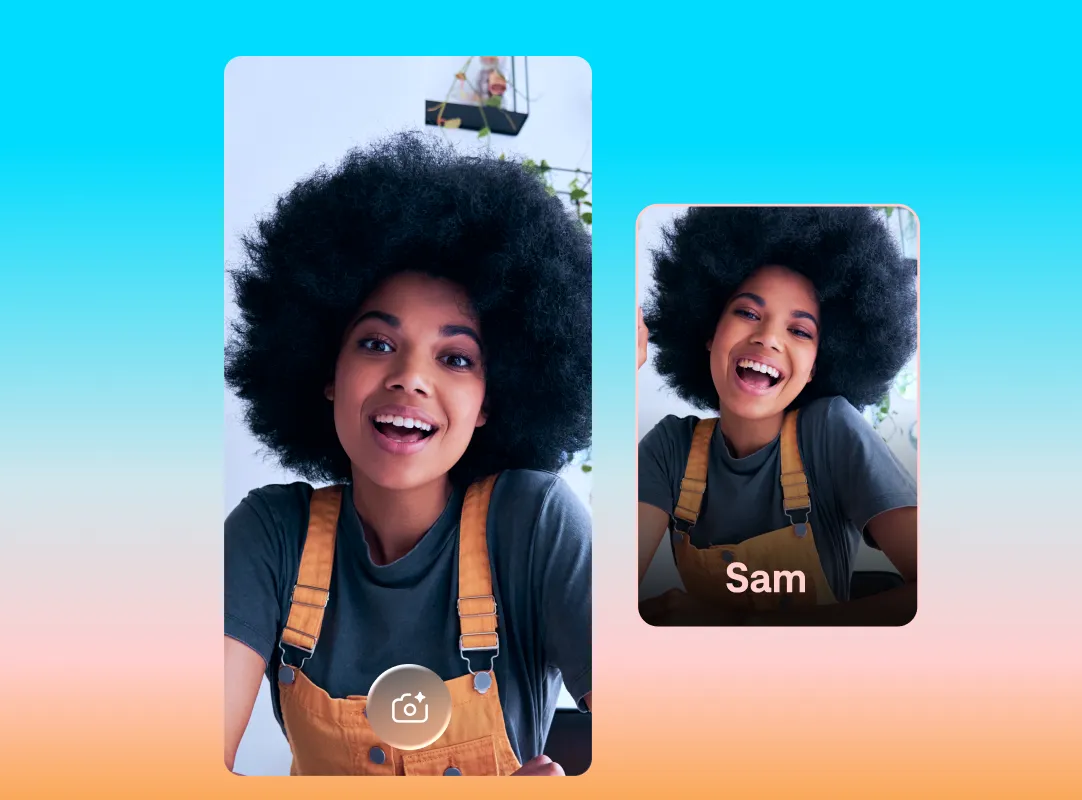
An AI twin is a realistic digital version of your likeness, based on your own photo or video. It's not a deepfake or cartoon avatar: It's immediately recognizable as you.
Based on you, built to scale
Captions uses your reference media to generate a digital avatar that looks, talks and acts like you. Using an AI twin saves you the hassle of recording fresh footage every time, so it helps you scale your video quicker.
Tailor to your style
Captions allows effortless customization, letting you swap avatars, languages, and backgrounds. Flex videos to new needs in minutes.
Make your best AI clone with Captions
Post more, film less
Your audience wants your ideas and your point of view, but they don't need you to press record every single time. Scale and speed up production with Captions. It can also help you add subtitles, edit with AI and more.
Start your next video
Frequently asked questions
What’s a digital twin in AI?
A digital AI twin is a generated character that looks and sounds just like an existing person. The technology uses AI to recreate a person’s likeness and mannerisms. You typically create AI twins from selfies, photos or a short recorded clip.
How realistic will my AI Twin look?
Captions' AI twin technology produces realistic video that preserves your natural expressions, voice quality, and movement. The best results come from a clean, well-lit source session. Most audiences watching your content won't be able to tell the difference between a filmed video, and one that you generate with your Captions AI twin.
Is an AI Twin the same as a deepfake?
No. A deepfake uses AI to put someone's likeness into content without their knowledge or consent. An AI Twin is built from your own recording, with your explicit permission, for your own use. It's a production tool you control, not a synthetic impersonation of you.
Why should I get an AI twin?
People use AI twins to make videos faster or for more topics than otherwise possible. Because you can generate new footage with your digital avatar, it’s quicker and cheaper than traditional video production.
Can AI twins also clone my voice?
Absolutely. Using Captions on your computer, navigate to the “Voiceover” section. Read a short script to capture your voice, and you’ll get a clone in minutes. In the Captions app, you can record reference footage to capture your likeness and voice at once. For the best result, make sure you’re in a quiet space.
What’s the best AI twin creator?
The best AI twin creator lets you clone your appearance quickly and accurately. You typically upload an image of yourself or film a short video, and the AI takes it from there. This software should perfectly recreate you, including natural movements and facial expressions. Some tools also let you generate an AI voiceover with your tone and accent. Platforms like Captions take AI twin creation further, letting you swap outfits and backgrounds with a simple prompt.
What's the difference between AI twin and AI actor?
AI twin is a digital version of you, built from your recording. AI actor is a fully customizable AI spokesperson that isn't based on a specific person, but instead is fully generated using AI. AI actors are popular with brands and creators who want to create AI spokespeople to add warmth to their messaging, without needing to stage full production shoots.
How do I create an AI avatar of myself?
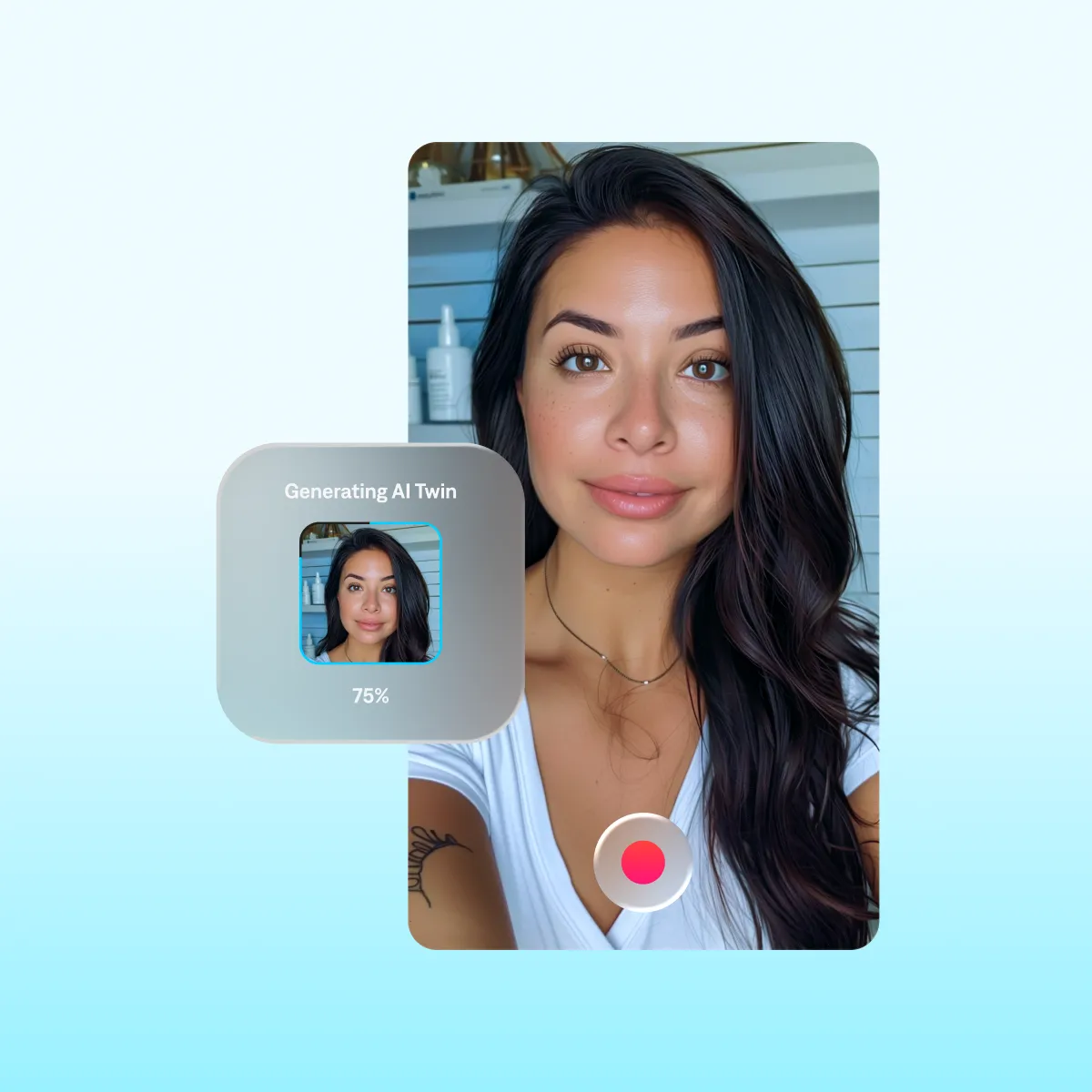
Captions offers three ways to make your digital twin. You can upload existing footage, record a short new video or add a selfie. For the highest-quality match, we recommend using video footage. That way, Captions can better capture your natural movements and voice quality. If you prefer to use a photo, you can create an AI twin from a selfie. Simply snap a photo and upload it to the Captions app. In moments, the AI will transform your selfie into a realistic, moving avatar you can use in any content.
Can I create multiple variations of my AI twin with Captions?
Captions lets you generate many variations of your AI twin. Once you pick a twin you like, you can change the background, outfits or even add products. Localization is also a breeze with automatic translations, subtitles and custom captions.
Can I use my AI Twin on TikTok, Instagram, and YouTube?
Yes. Videos generated from your AI Twin export in standard formats compatible with all major platforms. You can edit them in Captions with platform-specific formatting like aspect ratios, download and post.